




Last week, I earned $545 in affiliate commissions from sharing things I was already shopping for. We’re getting ready to move into our new home in Minnesota, which means I’ve spent a lot of time researching furniture, rugs, and all the little things that will make our new house feel like home. And because I love sharing home finds, I’ve been bringing my Instagram community along!
Between October 12 and October 18, those everyday shares generated $5,088 in sales and $545.07 in commissions through ShopMy. And the best part? I have fewer than 10,000 Instagram followers.
I share this because I think there’s a misconception that you need a huge following, endless free time, or a perfectly curated life to start earning money as a content creator. I’ve been sharing online since 2013, and one of the biggest things I’ve learned is that the best content often comes from things you’re already doing, learning, and loving. Of course, there’s work that happens behind the scenes, too!
Over the years, I’ve found a handful of tools that help me create content, stay organized, and build a business around the things I genuinely enjoy sharing. Today, I’m sharing my complete mom creator tech stack, what I use each tool for, and what I’d recommend if you’re just getting started.
Instagram + Meta Verified: Where I Connect With My Community
Instagram is where most of my content starts. It’s where I share home projects, favorite finds, little moments from motherhood, and the things I’m loving lately. More importantly, it’s where I’ve been able to connect with other moms who enjoy those same things. I love that something as simple as sharing a favorite rug or a little home project can start a conversation, help someone find exactly what they’re looking for, or introduce me to someone new.
I also subscribe to Meta Verified, which gives me access to additional account benefits and support. I regularly use Instagram Insights to understand which posts people are saving, sharing, and enjoying. One thing I’ve learned is that the content I assume will perform well isn’t always what people connect with most! Paying attention to those little details helps me understand what my community genuinely finds helpful.
What I use it for: Sharing content, connecting with my community, reviewing Instagram Insights, and accessing eligible Meta Verified benefits.
My recommendation: Instagram is the obvious starting point! Meta Verified is optional, especially when you’re just beginning.
Canva: Creating Carousels and Graphics
I love a beautiful Instagram carousel. Whether I’m sharing cozy home ideas, favorite products, or little routines that make everyday life easier, Canva makes it simple to bring those ideas together. I use it for Instagram carousels, branded graphics, and other visual content, and I especially love being able to save my favorite fonts, colors, and layouts so everything feels cohesive without starting from scratch.
Even though I genuinely love designing, I don’t want to spend hours creating every Instagram post. Having a few favorite layouts ready to go makes it so much easier to turn an idea into something I can actually share, especially during a busy week.
What I use it for: Instagram carousels, branded graphics, and reusable design templates.
My recommendation: Canva is a wonderful place to start, and you can accomplish so much with the free version before deciding whether you need additional features.
Google Workspace: A Professional Email Address
This might be one of the least exciting tools on the list, but it’s something I recommend once you’re ready to take content creation a little more seriously. Google Workspace allows me to use a professional email address with my own domain rather than a personal Gmail address, which is especially helpful when communicating with brands and organizing partnership opportunities.
I also appreciate having Google Drive and Google Docs available for keeping information organized. Between brand conversations, content ideas, and everyday business tasks, having everything connected in one place makes things easier to manage.
What I use it for: Professional email, brand communication, and document organization.
My recommendation: You don’t need this on day one, but it’s a worthwhile upgrade when you begin reaching out to brands or establishing your own website.
Showit: My Website and Blog
I’ve been blogging for years, and I still believe having a website of your own is one of the best things you can do as a content creator. Instagram is wonderful, but I don’t want everything I create to live exclusively on a platform I don’t own. My website gives me a place to share more detailed blog posts, organize favorite recommendations, and create resources that people can discover long after an Instagram post has disappeared from their feeds.
I use Showit for my website, with WordPress powering the blog. I love being able to create a website that feels like an extension of my personal style while having the flexibility to grow and evolve my content over time.
What I use it for: My website, blog, helpful resources, and a central home for my creator business.
My recommendation: You certainly don’t need a full website to publish your first Reel, but I recommend establishing your own little corner of the internet as your content and business grow.
Flodesk: Newsletters and Digital Products
One thing I’ve learned from years of building businesses is how important it is to have a way to stay connected with your audience outside of social media. That’s where email marketing comes in! I use Flodesk for newsletters, email signup forms, and email marketing, and I love that it makes creating beautiful emails feel simple.
Email gives me an opportunity to share things with my community in a more personal format, whether that’s a collection of favorite finds, a helpful resource, or something new I’m working on. Flodesk also offers tools for selling digital products, which can be especially helpful if you eventually want to create something of your own, like a guide, template, or downloadable resource. I love the idea that the content you’re already creating can eventually lead to more than one way to earn.
What I use it for: Email newsletters, growing my email list, and marketing and selling digital products.
My recommendation: I’d start building an email list early, even if you’re only sending something once or twice a month. You can always grow into it!
ManyChat: Making It Easy to Share Links
Have you ever seen an Instagram post that says something like, “Comment HOME and I’ll send you the link”? That’s exactly the kind of thing I use ManyChat for! Instead of asking someone to leave Instagram, find my website, and search for a product or resource, I can make it much easier for them to get what they’re looking for.
I use ManyChat to create automated Instagram conversations triggered by comments and other supported interactions. For example, if someone comments a specific keyword on a post, an automation can help deliver the relevant link or resource through Instagram DMs. It’s especially helpful when sharing favorite products, blog posts, and free resources, and it makes the experience easier for both me and the person looking for the link.
What I use it for: Instagram comment-to-DM automations, sharing links, and delivering helpful resources.
My recommendation: Once you’re regularly sharing products or resources, ManyChat can be such a helpful addition to your routine.
IdeaKind: Turning Everyday Moments Into Content
This one is especially close to my heart because it’s something I’m building! As a mom, business owner, and content creator, I know how easy it is to have a phone full of photos, videos, and ideas that never actually become posts. Sometimes, the hardest part isn’t coming up with something to share. It’s finding the time to turn it into content, write a caption, choose keywords, and actually get it published.
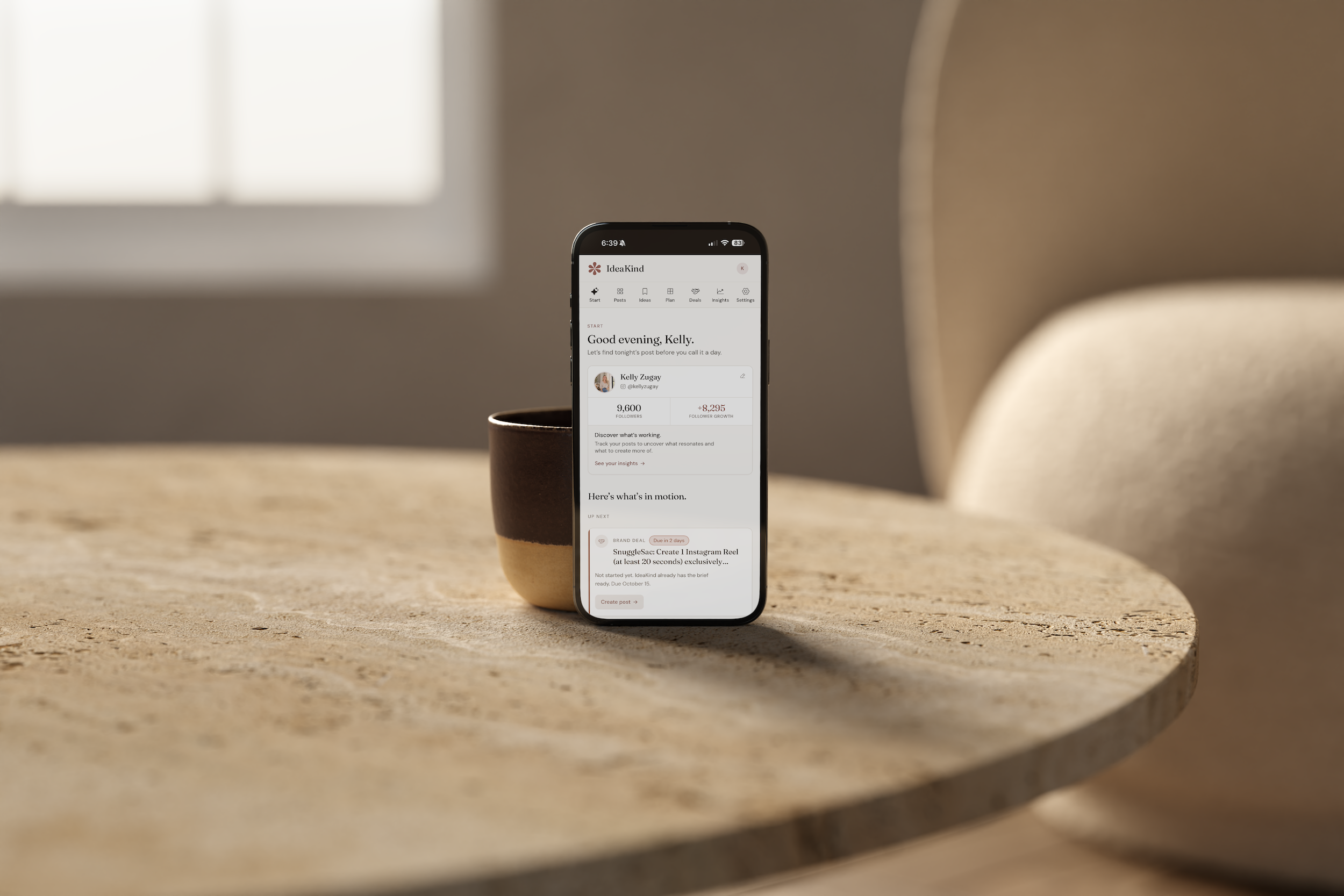
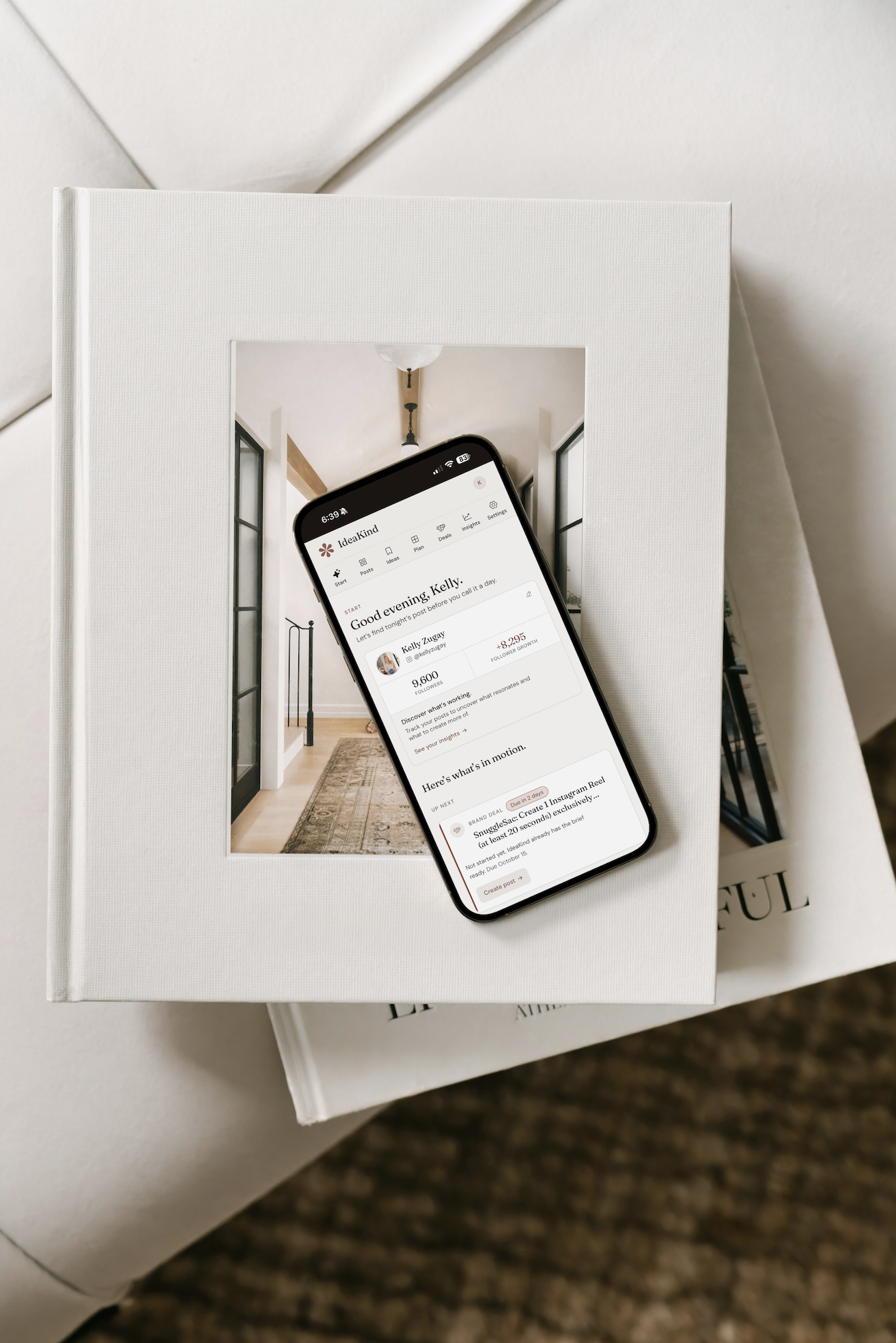
That’s why I created IdeaKind. It helps you take the photos, videos, and little ideas you already have and turn them into Instagram content, complete with hooks, captions, and keywords that reflect your own voice. You can plan your Instagram feed, save content ideas, organize posts, and keep track of what’s working, all in one place.
IdeaKind also includes tools for discovering brands, creating partnership pitches, organizing opportunities, and remembering when to follow up. Because as your content grows, you might find yourself wanting to explore brand partnerships, too! My hope is that IdeaKind makes content creation feel a little less like another thing on your to-do list and a little more like something you can actually enjoy.
What I use it for: Creating Instagram content, planning posts, tracking growth, and organizing brand partnership opportunities.
My recommendation: If you have plenty of ideas and photos but struggle to turn them into finished posts, or if you love posting but want to take content creation to the next level with brand deals, IdeaKind was made with you in mind.
One Bonus Tool: ShopMy
Since this whole post started with my affiliate earnings, I have to mention ShopMy! It’s the platform I use to share shoppable product recommendations and earn affiliate commissions on eligible purchases. I can organize and share things like furniture, rugs, home accessories, and other products I genuinely love, making it easy for someone to find something I’ve mentioned on Instagram.
It’s also where that $545 in commissions came from last week! Of course, not every link or purchase earns a commission, and earnings can vary quite a bit from week to week. But I love that sharing things I was already researching for our home can also become an additional income stream. It’s such a fun example of how everyday interests can become helpful content.
What I use it for: Sharing product recommendations, organizing affiliate links, and tracking affiliate earnings.
What I’d Start With If I Were a Brand-New Mom Creator
If you’re reading this and thinking, “Do I really need seven different tools just to start creating content?” the answer is absolutely not! I certainly didn’t start with all of these, and I wouldn’t recommend trying to figure everything out at once.
If I were beginning today, I’d focus on sharing consistently on Instagram, finding a simple way to create content, and paying attention to what people genuinely find helpful. Choose a few things you love talking about and start sharing them via ShopMy. Canva is wonderful for creating graphics, and IdeaKind can help you turn everyday photos, videos, and ideas into finished posts without spending hours figuring out what to say.
As you begin sharing, notice which posts people are saving, what questions they’re asking, and which recommendations they’re clicking. Those little insights can tell you so much about what your community enjoys. From there, you can add tools as you need them, whether that’s a professional email address when you start pitching brands, a blog when you have more to share, or an email list when you’re ready to build a community outside of Instagram.
You don’t have to build everything at once, and you definitely don’t need to have it all figured out before you begin.
One Last Thing
When I look back at the content I’ve shared over the years, so much of it began with something I was already doing. Decorating a home, finding something that made motherhood easier, planning a family activity, or sharing a little part of our everyday life. None of those things started because I needed another Instagram post. They were simply things I loved sharing.
And I think that’s what I want more moms to know. You don’t need to create an entirely different life to become a content creator. You can start with the one you’re already living, find a few tools that make the process easier, and see where it takes you.
You never know where those little things you love sharing might lead.